
Surveys
Publishing a survey
Activate and deactivate your survey.
Publish
Once a survey is published it enters the Published state, and users can submit responses.
Unpublish
Switch the publish toggle off.
Once a survey is unpublished it is no longer visible on your website, and responses will not be collected.
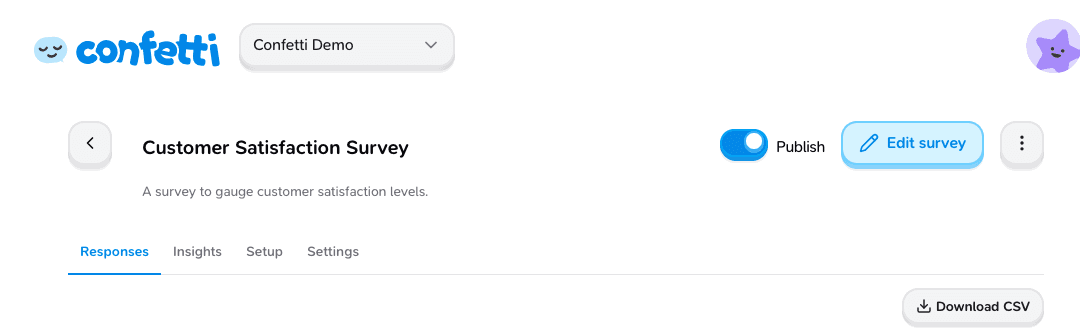
Deactivate your survey before making any changes to an active survey.
Share a link to your survey
To host the survey on Confetti and share a direct link (without embedding the widget), enable Platform in survey Settings. See Platform surveys for setup, the respondent experience, and campaign tracking with query parameters.
Was this page helpful?